MANAGED ANTIVIRUS

OUR MANAGED ANTI-VIRUS SOLUTION TAKES AWAY THE WORRY OF VIRUS INFECTIONS

complete protection against internal and external threats

Complete protection against internal and external threats by combining a powerful antivirus, an enterprise class packet filtering firewall and an advanced host intrusion prevention system called Advanced Protection.

When used individually, each of the Antivirus, Advanced Protection, Firewall and Containment modules delivers superior protection against their specific threat challenge. When used together they provide a complete ‘prevention, detection and cure’ security system for your computer.
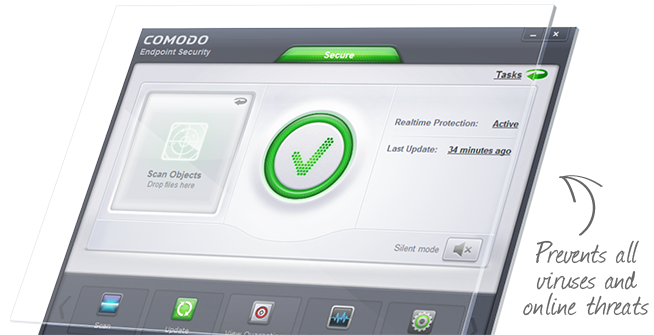
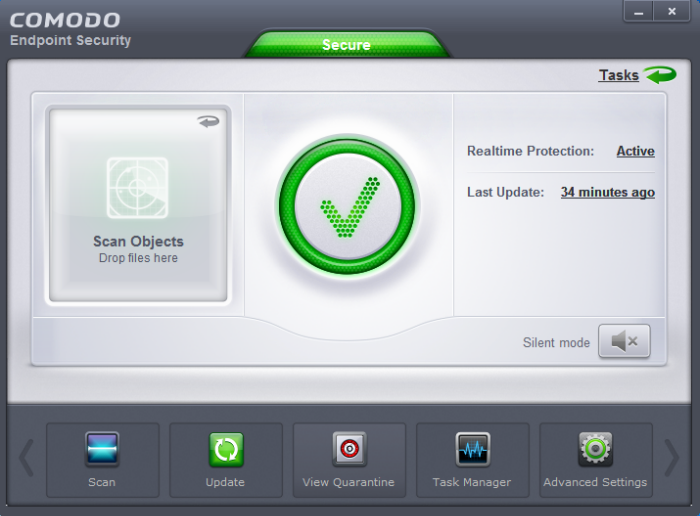
MULTI-LAYERED LEVELS OF THREAT PROTECTION TO KEEP YOUR SYSTEM AWAY FROM PROBLEMS

Antivirus

Proactive antivirus that detects and eliminates viruses, worms and other malware. Powerful on-demand, on-access and scheduled scan capabilities.

Firewall

Highly configurable packet filtering firewall that constantly defends your system from inbound and outbound Internet attacks.

Defense+

Prevention based security technologies designed to preserve the integrity, security and privacy of your operating system and user data.

Containment

Unrecognised processes and applications will be automatically run inside a security hardened environment known as a container.

Viruscope

Monitors the activities of processes running and alerts you if they take actions that could potentially threaten your privacy and/or security.

Host Intrusion Protection

A rules-based intrusion prevention system that monitors the activities of all applications and processes on your computer.

benefits to using our enterprise-class managed antivirus product

Automatic – nothing you need to do

You have to do absolutely nothing. The managed antivirus will download the latest virus signatures and patterns itself and do scheduled scans.

Automatic – nothing you need to do

You have to do absolutely nothing. The managed antivirus will download the latest virus signatures and patterns itself and do scheduled scans.

Automatic – nothing you need to do

You have to do absolutely nothing. The managed antivirus will download the latest virus signatures and patterns itself and do scheduled scans.

Does it require lots of system resources to run?

On idle, the entire 5-in-1 suite only consumes 7.5MB RAM and doesn’t register any CPU usage in Windows Task Manager.

How long does it take?

This repair will normally take about 24-hours. This will give us enough time to perform the repair and monitor the temperatures to make sure they are in the normal operating range. If any parts are needed such as replacement fans then the repair will be longer while we wait for parts.

FREQUENTLY ASKED QUESTIONS

Does it require lots of system resources to run?

On idle, the entire 5-in-1 suite only consumes 7.5MB RAM and doesn’t register any CPU usage in Windows Task Manager.

How long does it take?

This repair will normally take about 24-hours. This will give us enough time to perform the repair and monitor the temperatures to make sure they are in the normal operating range. If any parts are needed such as replacement fans then the repair will be longer while we wait for parts.

READY TO GET YOUR COMPUTER REPAIRED?

HAVE YOUR COMPUTER PROFESSIONALLY AND EXPERTLY REPAIRED